
Most Moms Report Slower Recovery After a Second Birth
Jul 19, 2026By Dr. Akanksha Priya
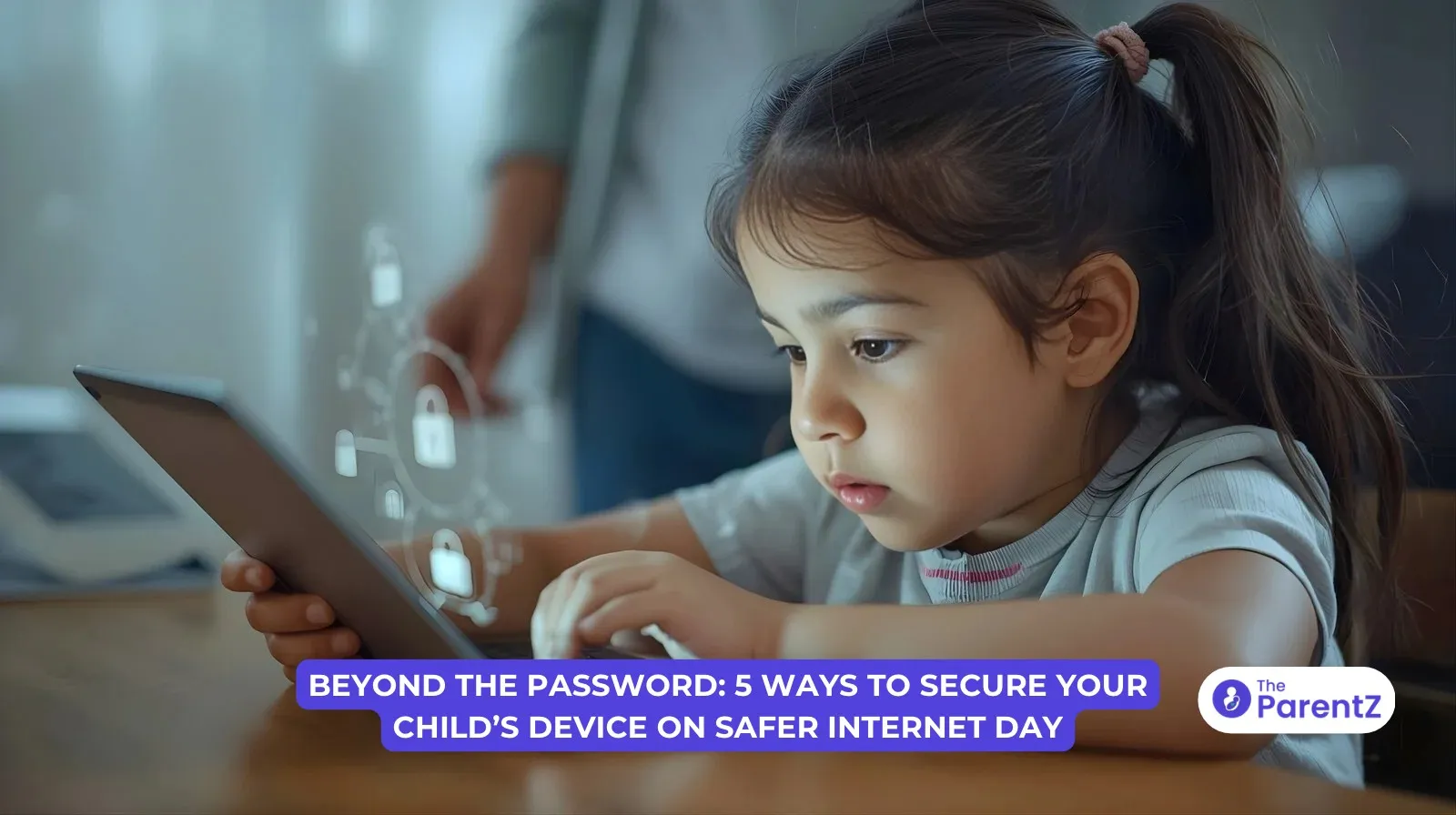
Today is Safer Internet Day, and if you're reading this, chances are you've already got a lot on your plate. Between school pickups, homework battles, and figuring out what's for dinner, adding "become a cybersecurity expert" to the list probably wasn't part of the plan.
This year's Safer Internet Day theme is "Smart tech, safe choices – exploring the safe and responsible use of AI", and it's hitting at a moment when our kids aren't just watching YouTube anymore. They're chatting with AI tutors for homework, using apps with built-in chatbots, and honestly, sometimes it feels like they know more about this stuff than we do.
The good news? You don't need to be a tech genius to help keep them safer online. You just need a few practical steps that actually work with real kids in real life.
Started back in 2004, Safer Internet Day has grown into a global movement observed in around 170 countries. It's a day dedicated to promoting safer and more responsible use of technology, especially for children and young people.
This year's focus on AI isn't random. Recent data shows that while only about 30% of parents have used ChatGPT, a whopping 58% of kids aged 12-18 have already tried it (UNICEF Innocenti). Kids are growing up in a world where AI is as common as Google was for us, except this technology can generate new content, create deepfakes, and even mimic human conversation in ways that can be manipulative.
According to a recent UN report published in January 2026, predators are now using AI to analyze children's online behavior and emotional states to tailor grooming strategies (UN News). That's not meant to scare you; it's meant to remind you that a password alone isn't enough anymore.
Before you download anything new, check what's already on your child's device. Both Apple and Google have free, built-in parental control features that most parents don't even know exist.
For iPhone/iPad users: Apple's Screen Time lets you manage app downloads, set content restrictions, and control who your child can communicate with. According to Apple's recent updates in December 2025, they've streamlined the setup process so that if you create a Child Account, age-appropriate default settings are automatically enabled from the moment your child starts using the device.
For Android users: Google Family Link is completely free and gives you similar controls, like managing apps, setting screen time limits, and tracking location.
The best part? You can adjust these settings from your own phone once they're set up. No need to grab your kid's device every time you want to make a change.
Remember when we taught our kids not to talk to strangers? Well, AI chatbots deserve a similar conversation.
Here's what experts recommend you discuss with your kids:
Make it a conversation, not a lecture. Ask them what AI tools they're using for homework or fun. You might be surprised by what they tell you.
Setting a blanket "two hours of screen time" limit sounds good on paper, but these days, kids need devices for legitimate stuff, like homework, staying in touch with family, and even some educational games.
According to experts, the smarter approach is customizing limits by app or category. Allow unlimited time for educational apps, but cap social media and gaming. This gives them freedom for productive activities while still maintaining boundaries.
Most parental control apps now let you do this easily. That way, if your kid needs extra time to finish a Google Doc for school, they're not locked out, but TikTok still shuts down at 8 PM.
Kids can accidentally, or "accidentally", rack up hundreds of dollars in digital purchases. From Roblox Robux to Fortnite V-Bucks, those small transactions add up fast.
The fix? Require password or biometric authentication for all purchases. Both Apple and Android devices let you do this in settings. You can also consider giving older teens a prepaid payment card to teach financial responsibility without the risk of going into debt.
If your child absolutely needs to make purchases for a game or app they love, set up a system where they ask first. It's not about being controlling; it's about teaching them the value of money in digital spaces.
Your home WiFi router can be one of your strongest allies, and most parents never touch these settings after setup.
Many modern routers have parental controls built right in. You can:
Some routers even let you pause internet access to specific devices with one click—perfect for those moments when you need everyone at the dinner table, not scrolling.
If your router is from your internet provider, you can usually access these settings through their app or website.
Safer Internet Day isn't about becoming a helicopter parent who monitors every click. It's about creating a digital environment where your kids can learn, explore, and make mistakes, but with guardrails in place.
The internet these days is wildly different from even a few years ago. AI is everywhere, deepfakes are getting harder to spot, and kids are handling challenges we never had to deal with at their age. But you've got this.
Start with one thing today. Maybe it's setting up Screen Time on your kid's iPhone. Maybe it's having that conversation about AI chatbots over dinner. Maybe it's finally figuring out your router settings.
Whatever it is, it's a step in the right direction. And on Safer Internet Day, that's what matters most.
TheParentZ offers expert parenting tips & advice, along with tools for for tracking baby and child growth and development. Know more about Baby Growth and Development Tracker App.It serves as an online community for parents, providing valuable information on baby names, health, nutrition, activities, product reviews, childcare, child development and more
Disclaimer:
The views, thoughts, and opinions expressed in this article/blog are solely those of the author and do not necessarily reflect the views of The ParentZ. Any omissions, errors, or inaccuracies are the responsibility of the author. The ParentZ assumes no liability or responsibility for any content presented. Always consult a qualified professional for specific advice related to parenting, health, or child development.
Conversations (Comments) are opinions of our readers and are subject to our Community Guidelines.



Be the first one to comment on this story.